Online Deposit
Online Deposit
Why is the deposit profitable?
It allows the customer to save their funds for a specific period at a pre-established interest rate. Deposits can vary in terms, conditions, and interest rates.
A deposit is money that a customer places into a financial institution for a specified term or on demand, in exchange for a promise to return this amount with accrued interest.
Deposits are your monetary contributions placed in a bank for a certain term, for which you receive interest income.
Deposit terms
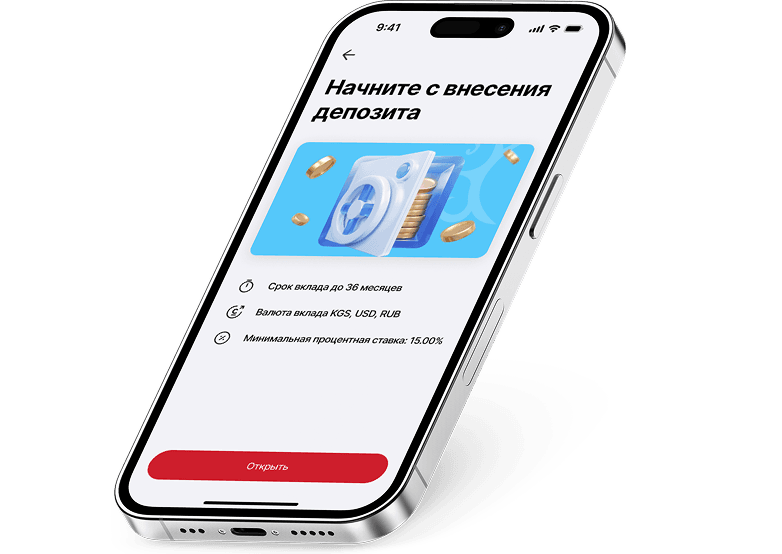
| Interest rates | Up to 15% | |||
| Deposit term | Up to 36 months | |||
| Deposit currency | Som, US dollars, and Russian rubles | |||
| Minimum deposit amount | 5,000 som | |||
| Replenishment | Not provided for | |||
| Payment of interest | At the end of the term | |||
| Capitalization of interest | Not provided for | |||
| Partial withdrawal | Not provided for |
Advantages

Deposit Protection Agency
The agency provides guarantees and insures financial interests
Deposit Protection Agency
The agency provides guarantees and insures financial interests
Deposit Protection Agency
The agency provides guarantees and insures financial interests

Receiving interest
The possibility of receiving interest on a deposit either monthly or at the end of the term
Receiving interest
The possibility of receiving interest on a deposit either monthly or at the end of the term
Receiving interest
The possibility of receiving interest on a deposit either monthly or at the end of the term

Automatic renewal
The possibility to choose automatic renewal of the deposit with accrued interest or without it
Automatic renewal
The possibility to choose automatic renewal of the deposit with accrued interest or without it
Automatic renewal
The possibility to choose automatic renewal of the deposit with accrued interest or without it
How to open a deposit in the mobile app
STEP 1
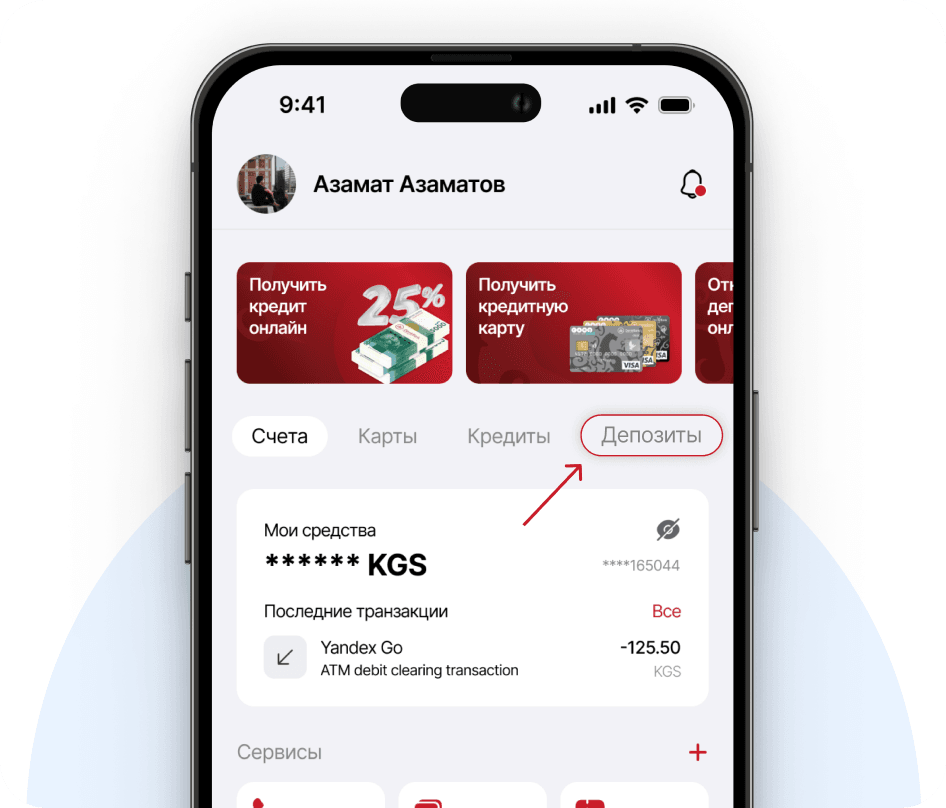
Log in to the mobile application and select the 'Deposits' section
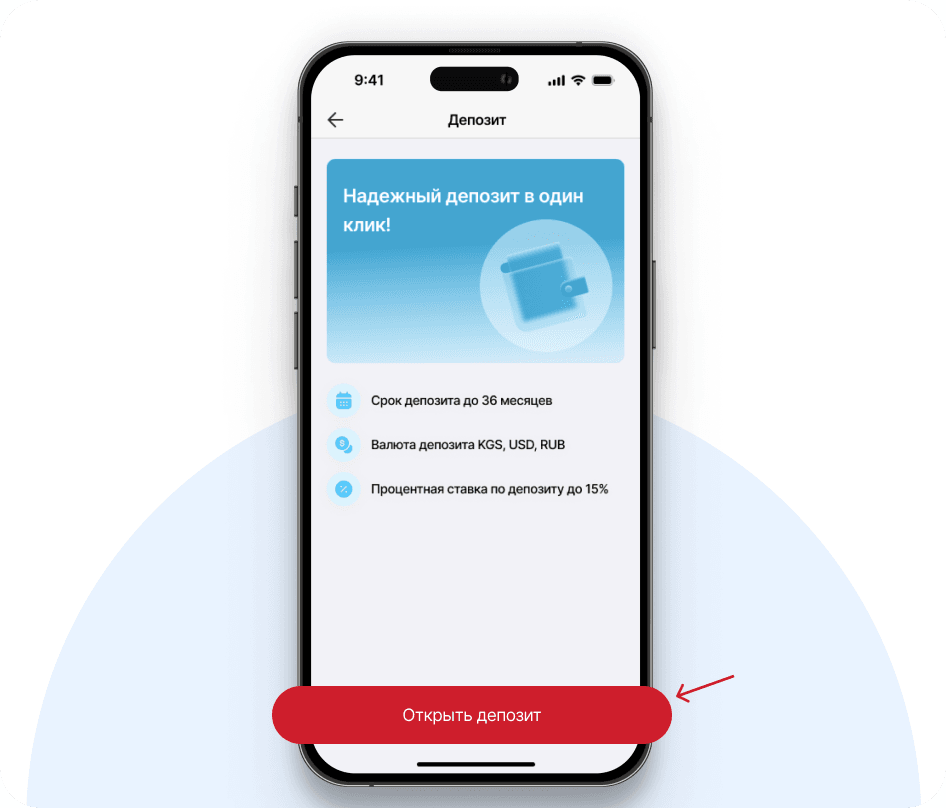
STEP 2
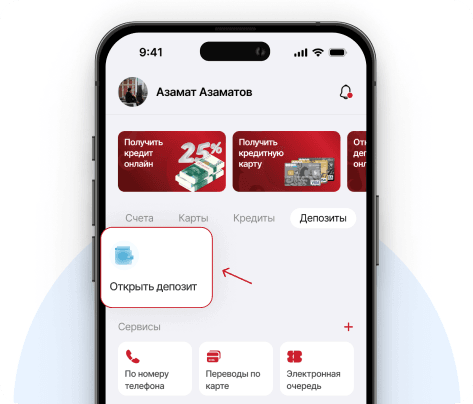
Click 'Open Deposit'
STEP 3
Familiarize yourself with the terms
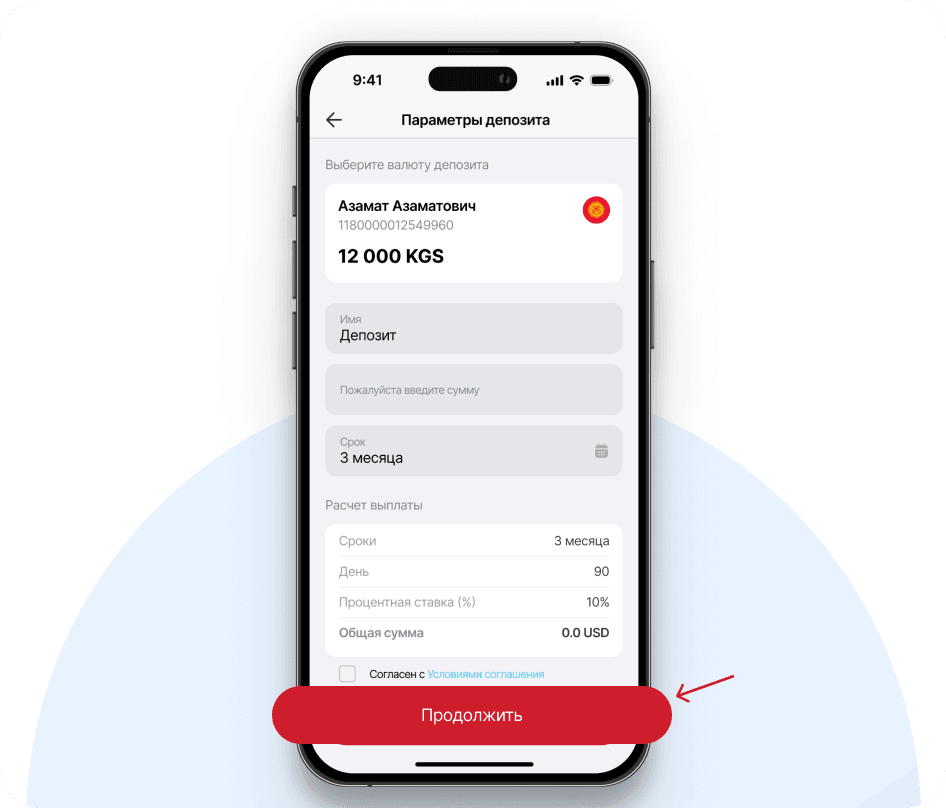
STEP 4
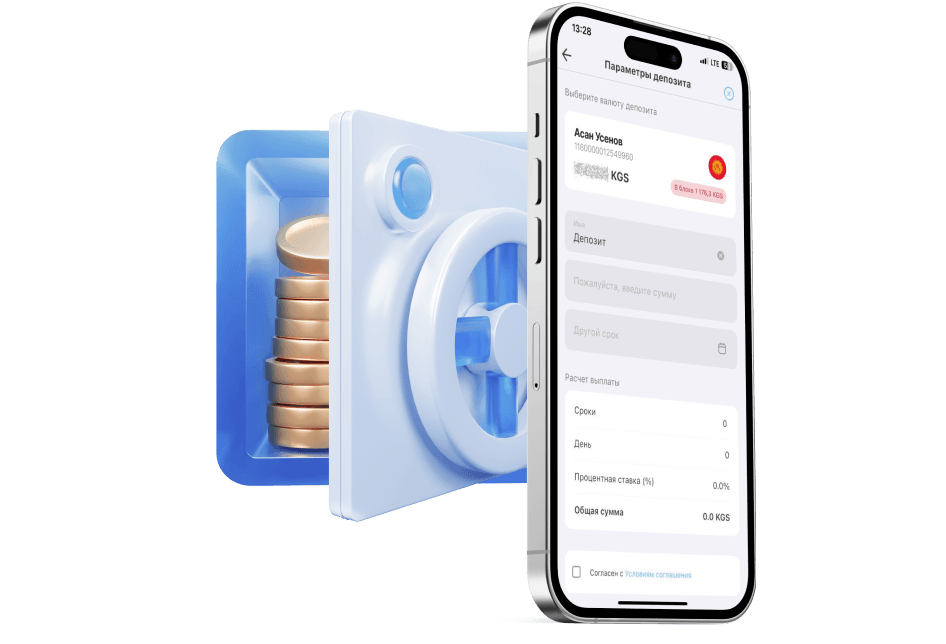
Enter the deposit details. Click 'Continue'
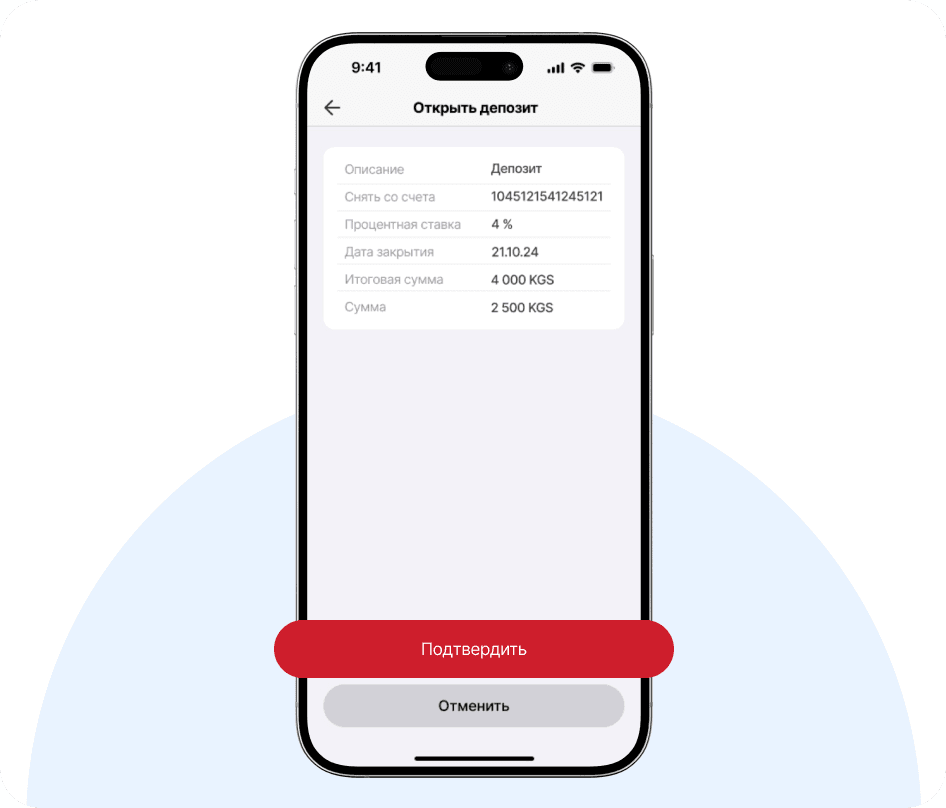
STEP 5
Check the deposit details. Click "Confirm"
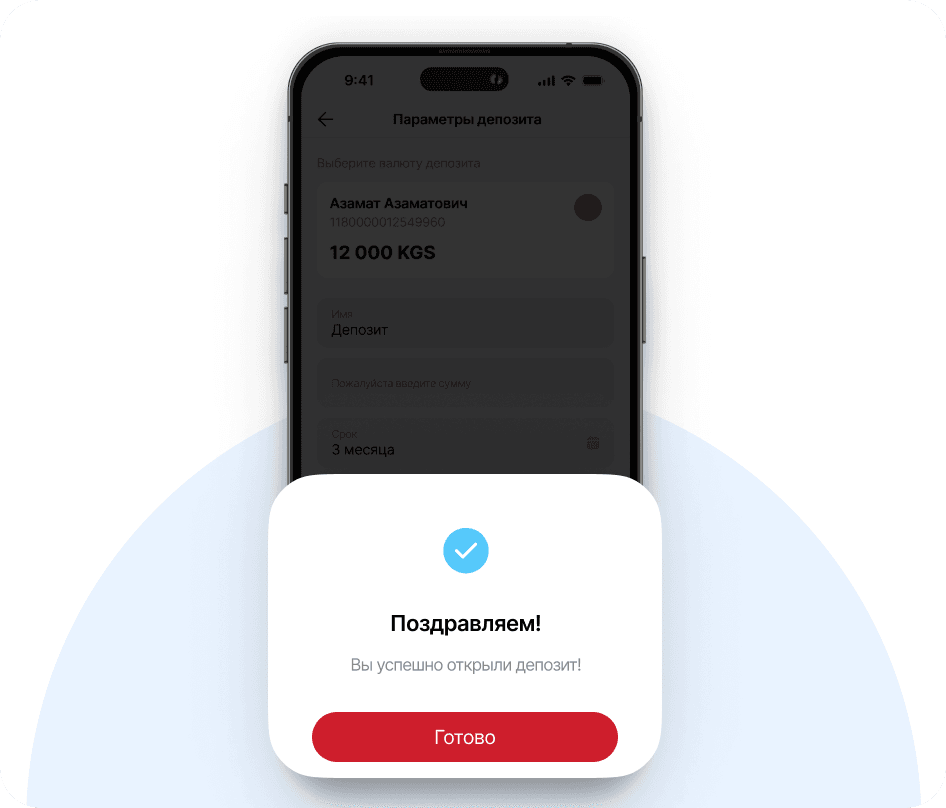
READY
Congratulations! You have successfully opened a deposit!
* Opening a deposit via Internet/Mobile Banking is only possible for the Time deposit 'Standard' with interest paid at the end of the term. To open a deposit with monthly interest payments, you need to visit any branch of the Bank.